What's Changed at Hekkas?
Hekkas Updates ·
Catch up on the November Hekkas changes to Flickas, desktop Matches and News, and the Hekkas landing page.
Flickas is easier to try
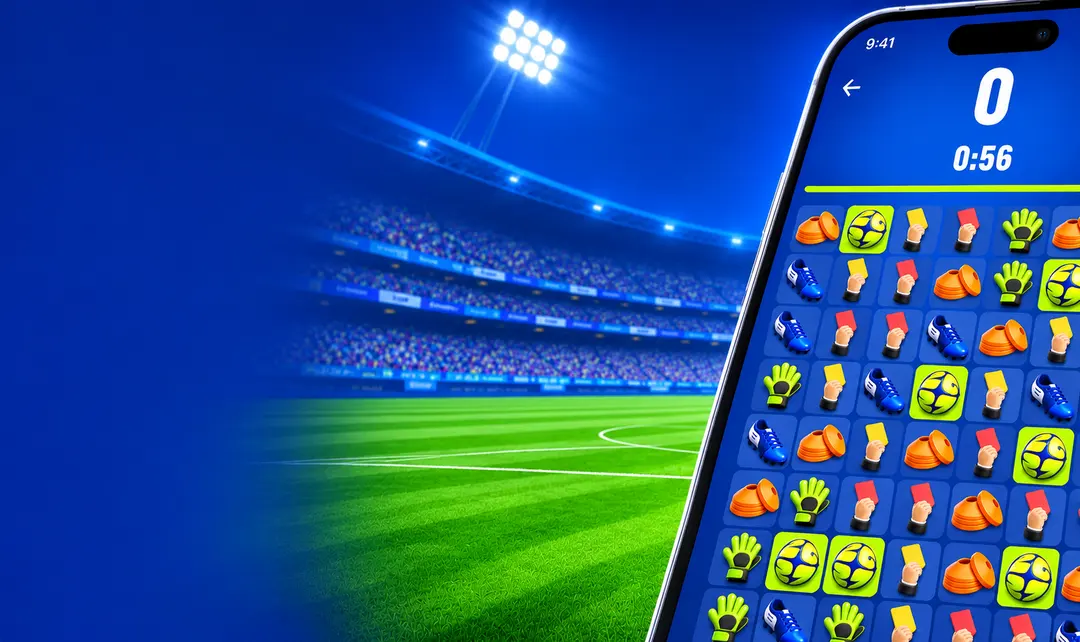
Practice mode arrived in the 10 November update, followed by tweaks to the kickoff and special combinations. You can open Flickas for a casual round, try setting up a plane or a bomb, and get used to what happens after the first clear. If you want a season score, sign in and play ranked when it is open.
The Flickas page has interactive demos for seeing the rules in action. They now loop with shorter transitions, with support for reduced motion. The desktop Games page was tidied up as well, and the season leaderboard is still there when you want to check your best.
A tidier desktop matchweek
Matches has a revised desktop header and sidebar. The banner copy sits nearer the goal, and the standings and matchday kits line up with the rest of the layout. It is still the place to pick your scores before kick-off and come back for the results.
The desktop News page was rearranged and the community voting panel was removed. If you normally go straight from fixtures to the news, those are the two desktop pages where you are most likely to notice the layout changes.
Changes around the site
The landing page controls now animate the label text, and the FAQ and shared footer were refreshed. The privacy and terms pages use the lighter layout, and the privacy policy now explains the Google services already in use. An old sign-up link also takes you to the current account page, so a saved bookmark still gets you to the right place.
A place for the longer guides
This blog brings the Flickas rules, scoring tips and prediction guides into one place. If you are setting up a group for the next round of fixtures, the private-league guide takes you from creating the group to sharing the invite and finding the table afterwards.